
Navigation Changes in the Hub
We’ve made some changes to a few of the menu items in the messaging Hub. While they’re only relatively small changes, they will make things a little easier when it comes to finding certain features and functions, creating a more intuitive navigation experience. Let’s take a look at what’s changed...
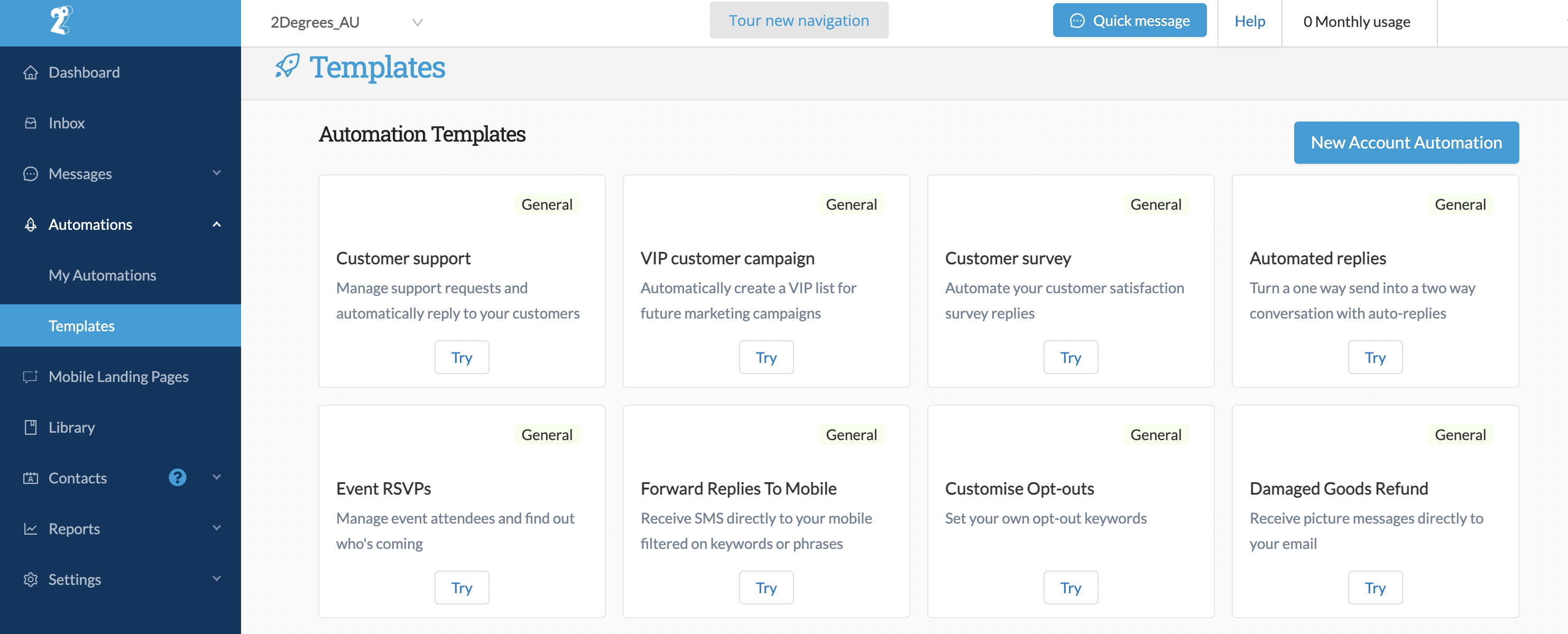
Automations
Under the Automations menu, we’ve added a new item called Templates. This is where you’ll find all of the pre-configured automation templates that used to live on the same page as My Automations. This makes things cleaner and easier to find - especially as your list of saved automations grows.
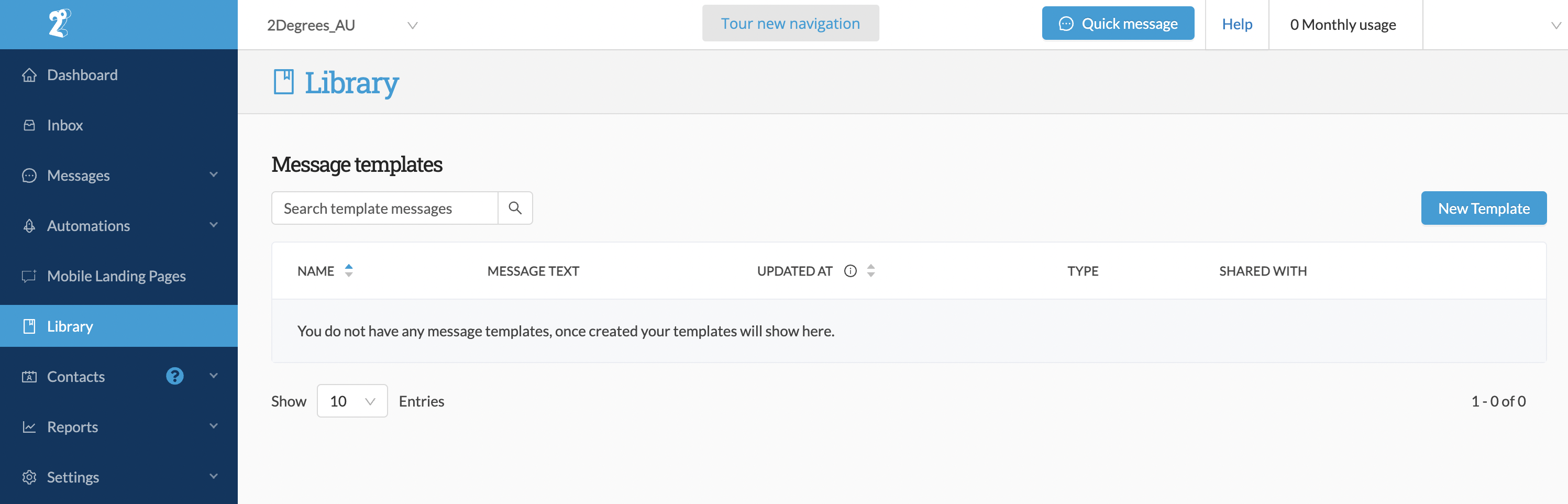
Library
We've added a new item to the main menu called Library. This is where you’ll find all your saved Message Templates and you can create new templates from here as well.
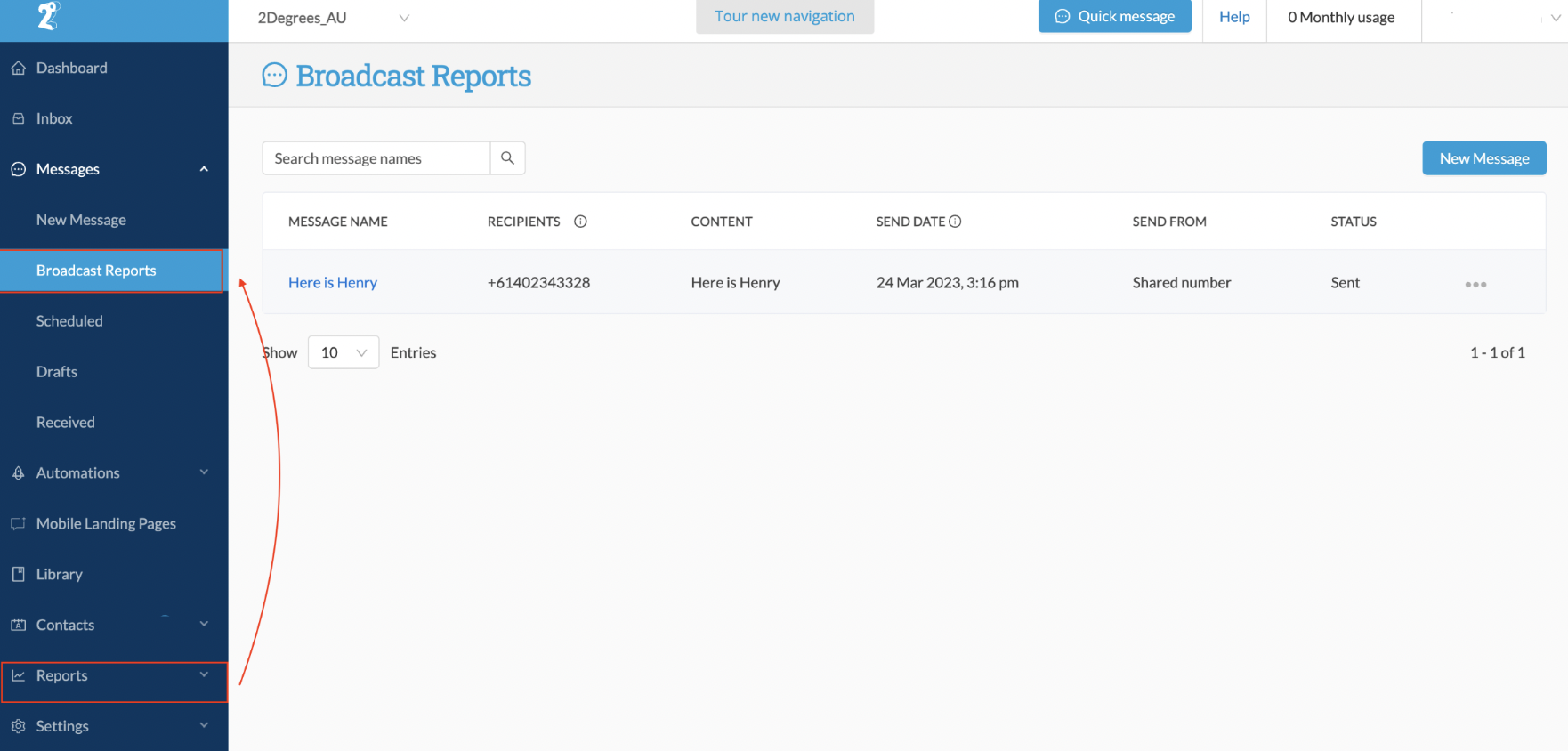
Broadcast Reports
We've moved Broadcast Reports to sit under Messages
Settings
In the spirit of de-cluttering the main menu, the Account and Configuration items have been combined to form a new menu item – Settings. Here you’ll find all the options that used to live under the Account and Configuration menus, with one small change – we’ve renamed Sender IDs as Messaging Settings.
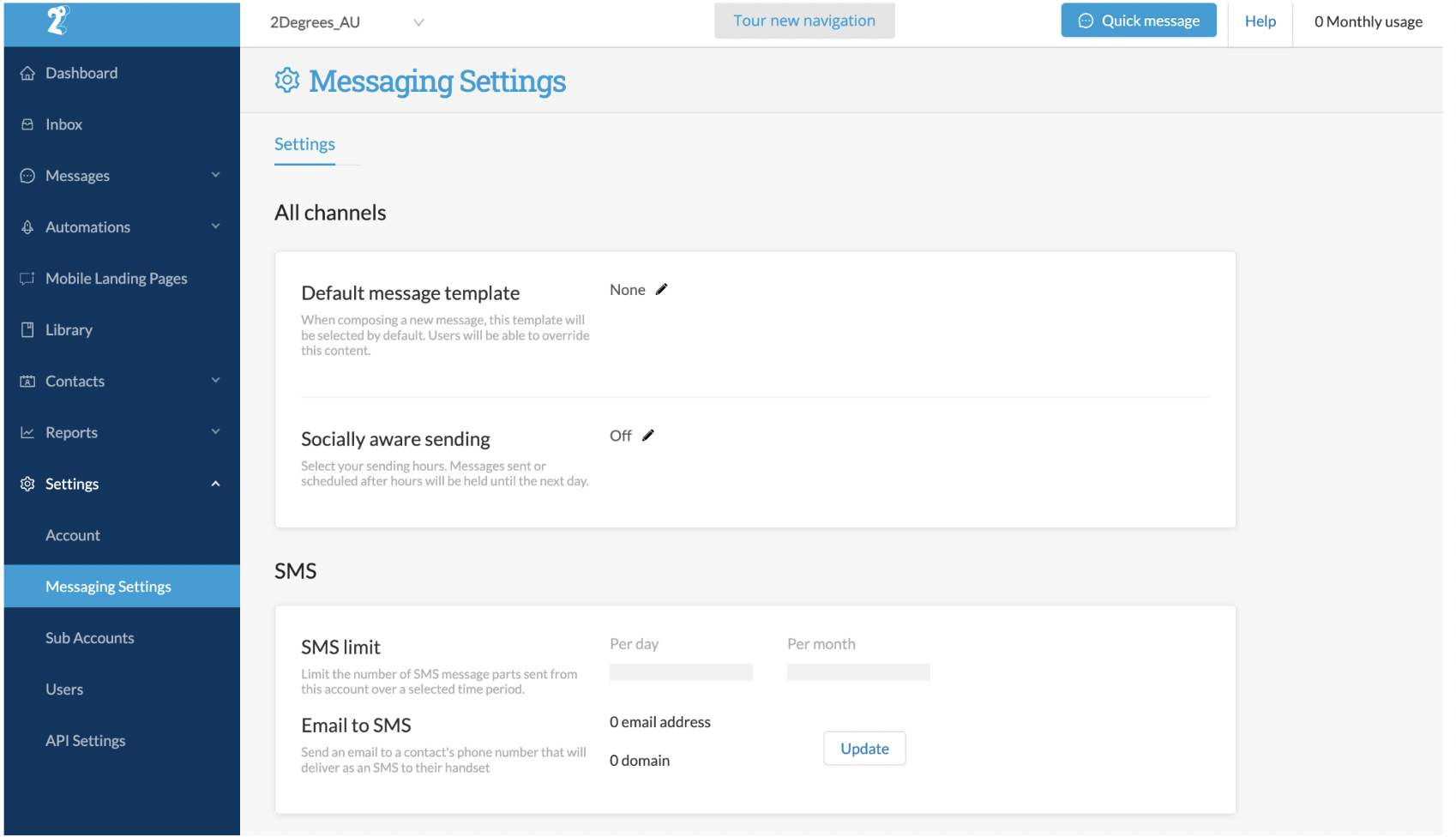
We've also introduced Tabs within some of the feature pages, including in the new Settings menu. This is where you’ll find some popular Hub features like:
- Email to SMS feature, now under the Settings tab on the Numbers page.
- Single Sign-On (SSO) configuration, now under the Security tab on the Accounts page.
- Activity Log has its own tab on the Accounts page.
- Webhooks also has its own tab, down on the API Settings page.
If you get stuck...
We're updating all our support content to reflect these changes, but if you get stuck at any point, click the Tour new navigation button at the top of the page and we’ll remind you where everything is.
