
Creating new REST API Credentials
Comprehensive API documentation can be found here
To create a new REST API Key:
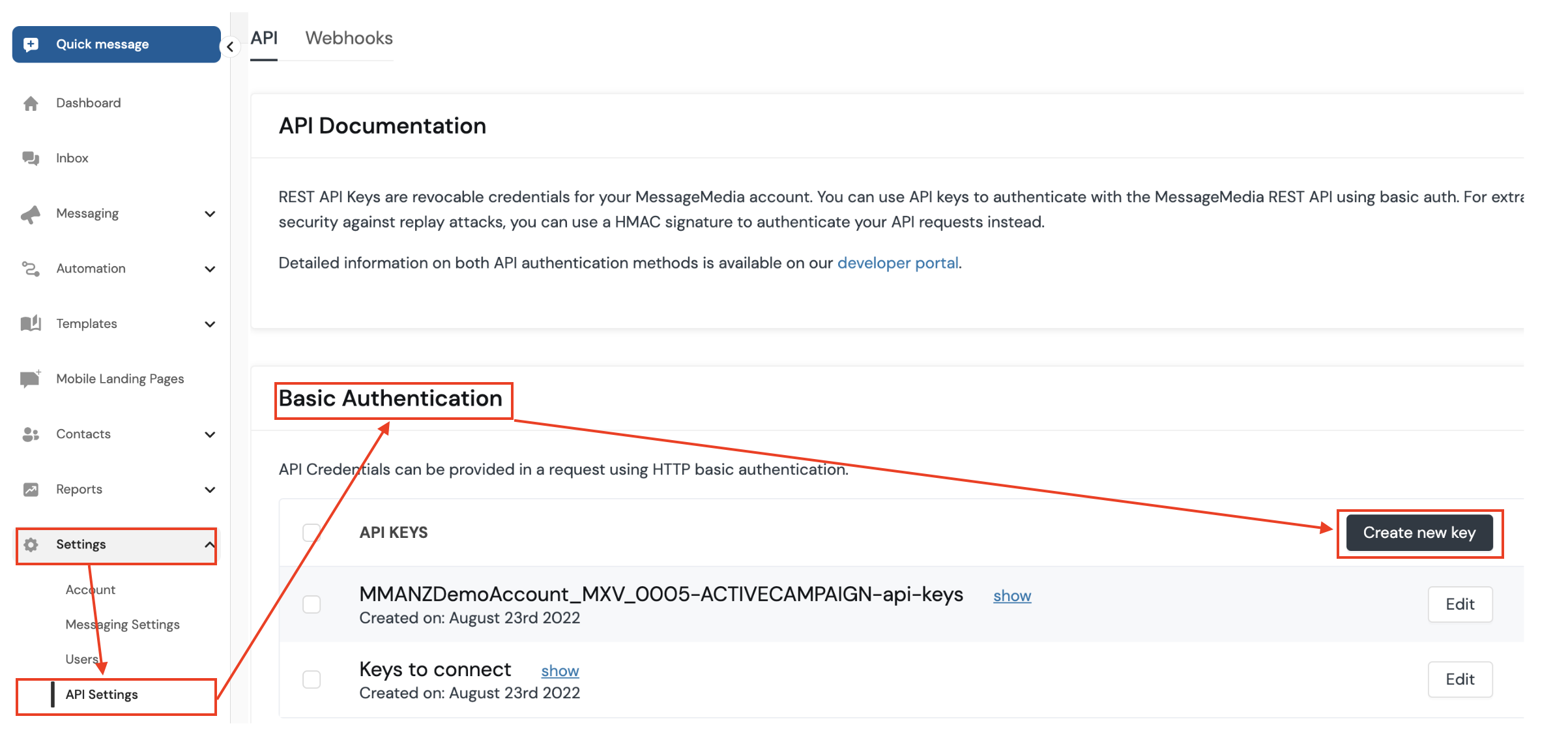
- Go to Configuration > API Settings
- Under Basic Authentication or HMAC Authentication, click Create new key
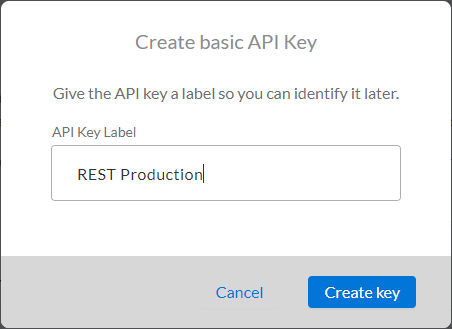
- Provide a descriptive name and click Create Key
- Copy the key and secret to the clipboard (this is the only time we will display the secret)
- Click OK
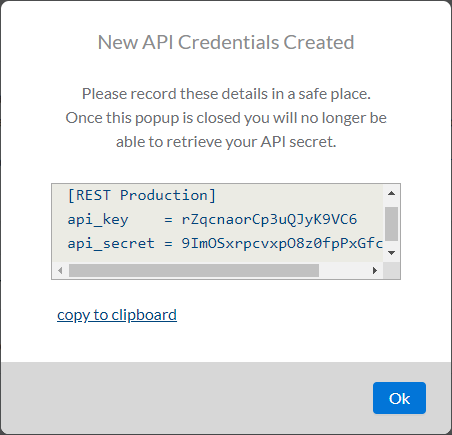
Note: If you lose the API secret you will need to create another key/secret pair